
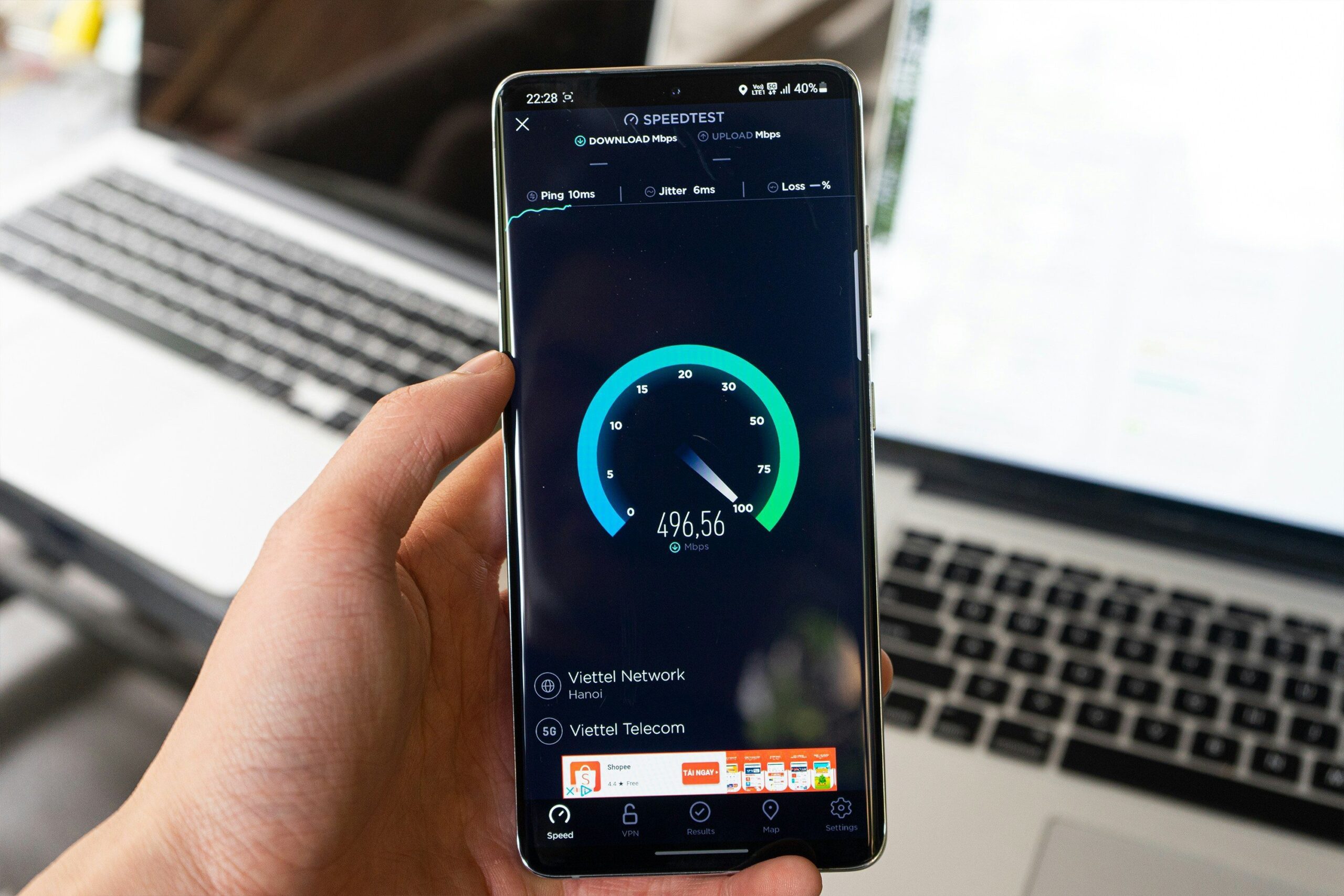
If your video calls freeze, streaming services buffer during peak hours or online games lag at the worst possible moment, you are not alone. Many households struggle with inconsistent internet performance even though they pay for broadband service.
The good news is that improving your connection often starts with understanding what is slowing it down and how to fix the setup before deciding whether to upgrade your plan.
What is high-speed internet?
Before improving your connection, it helps to understand what qualifies as high-speed internet.
The Federal Communications Commission has set fixed broadband internet download speeds of at least 100 Mbps and upload speeds of at least 20 Mbps.
High-speed home internet should deliver:
- Fast downloads for streaming and file transfers.
- Stable upload speeds for videoconferencing and cloud backups.
- Reliable connections with minimal interruptions.
- Enough bandwidth to support multiple devices at once.
- Low latency for gaming and real-time communication.
What causes slow internet speeds at home
Your provider is not always the only reason your internet feels slow. Several common issues inside the home can reduce performance.
- Poor router placement: Wi-Fi signals weaken when blocked by walls, floors, appliances or large furniture. Placing your router in a corner or basement can dramatically reduce coverage throughout the home.
- Too many connected devices: Every connected device uses bandwidth. Smart TVs, gaming consoles, tablets, security cameras and smartphones all compete for internet capacity.
- Outdated equipment: Older routers and modems may not support modern speed capabilities. Equipment that’s several years old may bottleneck your connection.
- Network congestion: Internet slowdowns often happen during peak usage hours when many households in the area are online simultaneously.
- Weak internet plan: Sometimes your current package does not provide enough speed for your household’s needs. A basic plan may struggle to support streaming, gaming, and video conferencing at the same time.
6 helpful ways to achieve high-speed internet at home
Here are several practical steps you can use to troubleshoot your internet access and experience a high-speed connection at home.
1. Move your router to a better location
One of the easiest ways to improve internet performance is to relocate your router. You can place it in a central location or elevated off the floor. Keep it away from thick walls and metal objects.
A centrally located router distributes signals more evenly across your home. If you live in a larger house, consider adding mesh Wi-Fi systems or Wi-Fi extenders to eliminate dead zones.
2. Upgrade your router and equipment
Modern routers support faster wireless standards and more advanced traffic management than older routers. Opt for a Wi-Fi 6 router to improve speed consistency, device handling capacity, streaming quality and gaming performance.
You should also check whether your modem is compatible with your internet plan. Many households pay for faster speeds but use equipment that cannot deliver them.
3. Reduce network congestion
Bandwidth-heavy activities can overwhelm your network. Improve performance by limiting background downloads, pausing unnecessary cloud syncing, disconnecting inactive devices and scheduling updates during off-hours.
Some routers also include quality of service (QoS) settings that prioritize traffic for applications like gaming or videoconferencing. This feature can help reduce buffering and connection drops during busy usage periods.
4. Use wired connections when possible
Wi-Fi is convenient, but Ethernet connections remain faster and more stable. Connect devices directly to the router for activities requiring maximum reliability, such as gaming consoles, desktop computers, smart TVs and workstations.
Wired connections reduce latency and minimize interference from nearby devices. If running Ethernet cables throughout the home is difficult, powerline adapters can help extend wired connectivity using existing electrical wiring.
5. Troubleshoot your internet regularly
Simple troubleshooting steps can solve many internet problems.
Try these first:
- Restart your router and modem.
- Run a speed test.
- Update router firmware.
- Change Wi-Fi channels.
- Scan for malware.
- Contact customer support if issues continue.
Many people overlook firmware updates, but manufacturers regularly release them to improve security, speed and stability. If speeds consistently fall below what your provider advertises, document your results before contacting support.
6. Upgrade to a faster internet plan
If optimization efforts still do not solve the problem, it may be time to upgrade your provider or plan. When comparing high-speed home internet options, consider speeds, reliability, data caps, contract terms, customer support quality and availability in your area.
Fiber internet often delivers the best long-term value because it offers higher reliability and symmetrical speeds. For households with remote workers, gamers, streamers or smart home devices, upgrading to fiber can significantly improve daily online experiences.
Top high-speed internet providers to consider
1. i3Broadband
i3Broadband stands out for combining fiber internet performance with community-focused customer service. The company emphasizes a 100% U.S.-based workforce and transparent pricing without complicated contracts. It also offers free installation, activation and tech visits.
Key features
- Fiber-powered symmetrical speeds
- No data caps
- 30-day money-back guarantee
- Smart security and activity monitoring support
2. Verizon Fios
Verizon Fios delivers reliable fiber internet with symmetrical upload and download speeds. Its service supports smooth streaming, gaming and videoconferencing on multiple devices at once with ultra-low lag.
Key features
- 100% fiber-optic network
- All-in pricing and no hidden fees
- Router included
- No annual contracts
3. AT&T Fiber
AT&T Fiber provides ultrafast speed tiers suitable for all online activities, even at peak times. The company offers unlimited data and consistent performance. It works well for large households, remote workers, gamers and users with heavy bandwidth needs.
Key features
- Multigig internet plans
- Straightforward pricing
- Strong nationwide infrastructure
- Low latency for gaming and streaming
4. Xfinity Internet
Xfinity remains widely available across the U.S. and offers fast, consistent internet speed. Customers can choose plans based on their household needs. This option is suitable for all-around online activities, such as gaming and video streaming.
Key features
- Wi-Fi equipment included
- Unlimited data
- Flexible internet plans
- Bundled service options
5. Spectrum Internet
Spectrum Internet offers contract-free service with broad suburban coverage and straightforward setup options. Its plans are suitable for everyday streaming, browsing and work-from-home tasks.
Key features
- No annual contracts
- No data caps or hidden fees
- Wide suburban coverage
- Built-in security and expert support
Comparative summary of best high-speed internet providers
| Provider | Best For | Availability |
|---|---|---|
| i3Broadband | Fiber internet and local support | Select regional markets |
| Verizon Fios | Reliable fiber performance | Limited service areas |
| AT&T Fiber | Heavy internet users | Expanding fiber coverage |
| Xfinity Internet | Flexible speed options | Widely available |
| Spectrum Internet | Straightforward plans | Broad suburban coverage |
Methodology for choosing a high-speed internet provider
With heavier internet usage, you need a provider that can significantly improve your online experience. The list evaluates companies using factors such as speed, reliability, pricing transparency, data caps, contract terms and customer service, with a strong focus on fiber internet for its faster and more stable performance.
Today, high-speed home internet supports nearly everything you do online, from remote work and virtual learning to 4K streaming and smart home devices. According to the latest broadband usage reports, the average U.S. household connects 11 devices to the internet at once, increasing demand for a more reliable service.
Choosing the right high-speed internet plan for your home
Achieving high-speed internet at home often starts with improving your setup before switching providers. Better router placement, upgraded equipment, reduced congestion and regular troubleshooting can significantly improve your online experience.
However, if your current service still struggles with buffering, unreliable connections or slow uploads, upgrading to a fiber-based provider may be the best solution. When comparing plans, focus on reliability, transparent pricing, customer support and long-term value.
Table of Contents